

Printing on heat transfer paper can transform your creative ideas into professional-quality designs, making it an essential skill for anyone looking to customize apparel or home décor. Did you know that using the right techniques can significantly enhance the vibrancy and durability of your prints? Many enthusiasts struggle with achieving those crisp, long-lasting results, often feeling frustrated by faded colors or peeling edges. This guide is here to demystify the printing process, providing you with essential tips and step-by-step instructions to ensure you achieve impressive results every time. Whether you’re a hobbyist or planning to start a small business, understanding how to master heat transfer printing is crucial for elevating your projects and reaching your goals. So, let’s dive in and unlock the potential of heat transfer paper together!
Choosing the Right Heat Transfer Paper for Your Project
Choosing the right heat transfer paper can make or break your project, as different types serve varying needs. For instance, if you’re printing on a dark fabric, you’ll want to use a transfer paper designed explicitly for dark textiles. These papers typically have a white backing that adheres well to dark colors, ensuring vibrant designs stand out. Conversely, light fabric transfers are often more transparent, allowing the fabric’s color to show through but requiring careful consideration of the design’s colors to maintain clarity and contrast.
When selecting heat transfer paper, consider factors like the fabric type, the desired finish, and the printing method. For cotton and cotton-blend materials, a standard heat transfer paper will suffice. However, for polyester or performance fabrics, specialized papers designed for low-temperature applications can prevent scorching. Furthermore, if you’re aiming for a more professional look, satin or glossy finish papers can add a sleek touch that enhances the overall appearance of your project.
Understanding the weight and transfer properties of different papers is crucial as well. Heavier papers often provide better durability and vibrant colors but may require different heat settings and times. Therefore, it’s essential to read the manufacturer’s guidelines carefully. User reviews can also offer insights into how well a particular paper performs in various conditions, guiding your purchase decisions more effectively. With these considerations in mind, you’ll be better prepared to make an informed choice that ensures your heat transfer projects turn out as envisioned.
Essential Printing Techniques for Optimal Results
To achieve professional results when printing on heat transfer paper, understanding the essential techniques that ensure optimal performance is crucial. The effectiveness of your design relies not just on the quality of the paper or ink but also on how you handle the entire printing process. Key aspects include selecting the right materials, adjusting printer settings, and applying the correct pressure and temperature during transfer.
One vital technique is to ensure your printer settings match the type of heat transfer paper you’re using. Choose a high-quality ink, like pigment ink, which typically offers better durability and resistance compared to dye inks. Adjust your printer settings to the highest DPI (dots per inch) to enhance detail in your images. It’s recommended to select the “transfer paper” setting if available, as this can alter ink dispersal to suit the specific needs of heat transfer projects. Test prints on plain paper can help guarantee that colors align and that images print as intended.
After printing, allow the ink to dry thoroughly to prevent smudging during the transfer process. This step is especially important for projects involving intricate designs or vibrantly colored graphics. Once you’ve printed your design onto the transfer paper, carefully trim any excess paper around your image to avoid unwanted outlines on the final product. Place the trimmed transfer on your garment, ensuring it’s aligned correctly before applying heat. Utilizing a heat press instead of an iron not only provides consistent pressure but also guarantees even temperature distribution-a critical factor in achieving a long-lasting and high-quality transfer.
In summary, mastering these printing techniques can significantly elevate the quality of your heat transfer projects. Paying attention to printer settings, allowing adequate drying time, and using the right application methods will collectively lead to crisp, vibrant, and durable designs that stand out.
Understanding Printer Settings for Heat Transfer Paper
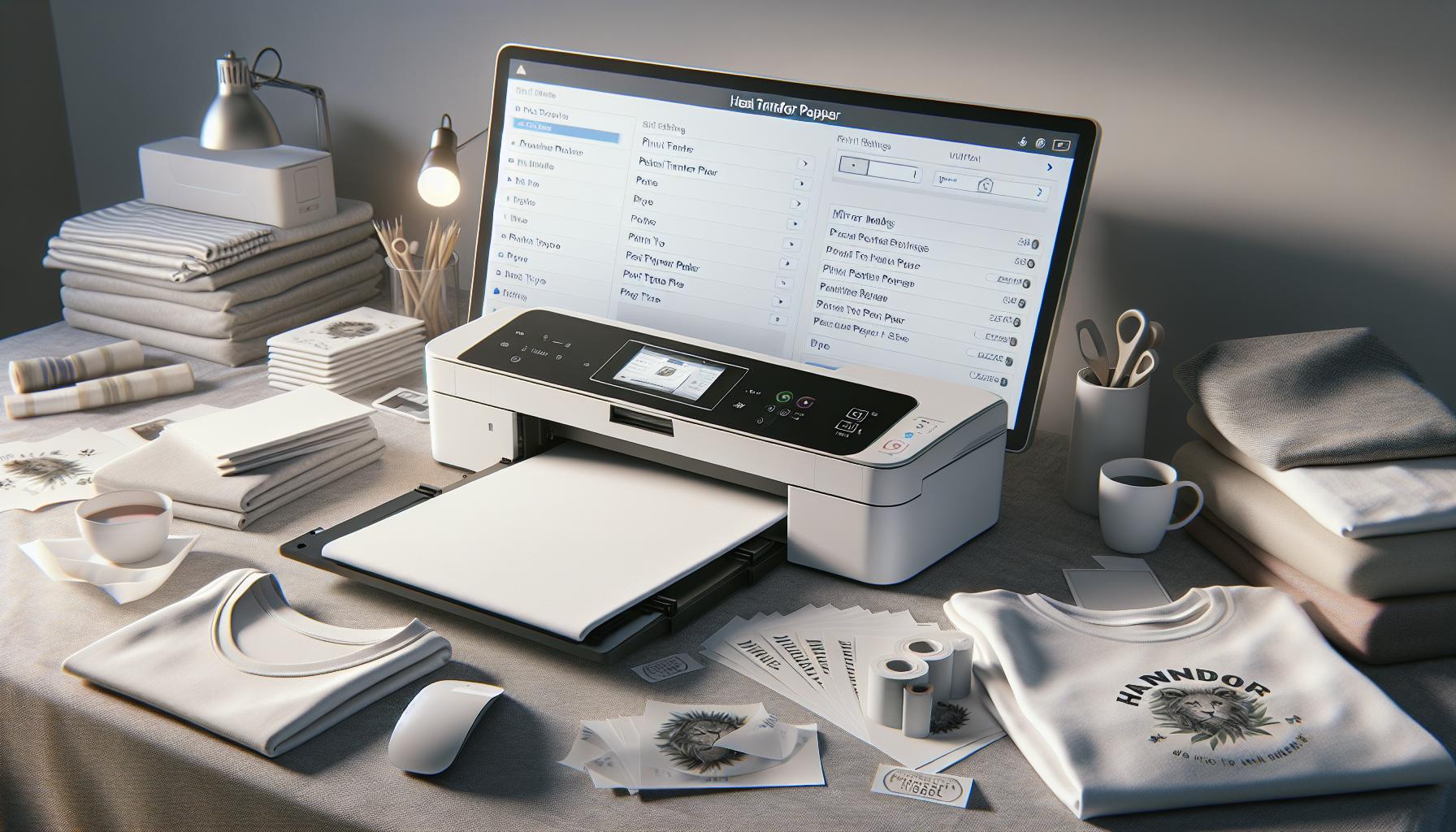
When it comes to achieving high-quality prints on heat transfer paper, understanding printer settings is not just a minor tweak-it’s a crucial step that can dramatically impact the final result. Every printer is built differently, but most have specific settings that cater to transfer paper, which often require adjustments to achieve the best outcome. For instance, setting your printer to the highest DPI (dots per inch) can significantly enhance the image detail, resulting in clearer and more vibrant graphics.
Optimal Printer Settings
Start by selecting the appropriate media type for your heat transfer paper. This is usually done through the printer settings menu, and many printers will have a specific option for transfer paper. If that option isn’t available, choosing “photo paper” or another high-quality paper setting can also provide satisfactory results. This selection alters the ink application, optimizing it for the unique absorbency and texture of transfer paper. Additionally, consider the ink type. High-quality pigment inks are often preferable for their durability, ensuring that your prints remain vivid even after multiple washes.
Test Printing and Adjustments
Before committing your design to the heat transfer paper, it’s wise to run test prints on standard paper. This allows you to check colors and alignment without wasting expensive transfer materials. Adjusting the brightness and contrast can also help achieve the desired look, as colors may shift when transferred to fabrics. After confirming your test prints, ensure the printed design is allowed to dry completely. This step prevents smudging or blurring during the transfer process, especially for intricate patterns.
Regular Maintenance
Finally, don’t overlook regular maintenance of your printer. Clogged nozzles or dirty print heads can lead to inconsistent quality. Periodically run cleaning cycles and check for updates on your printer’s software to ensure optimal performance. With these settings dialed in and maintained, you’ll be well on your way to producing professional-quality transfers that are crisp, colorful, and durable.
Preparing Your Artwork for Printing Success

To achieve flawless results with heat transfer paper, laying a solid foundation in preparing your artwork is crucial. The success of your transfer largely hinges on the precision and quality of your graphics before they even reach the printer. This means focusing not only on the visual aspects but also on the specifications required for the transfer medium and the printing process itself.
One of the first steps is to set your artwork in the right dimensions. Ensure that you create your design at the same size that it will appear on the final product. Resolution matters-aim for at least 300 DPI (dots per inch) to maintain clarity and detail, especially for intricate patterns and colorful graphics. Color mode is another essential factor; using CMYK (cyan, magenta, yellow, and black) is recommended since most printers are calibrated for this color space. It’s also important to remember that colors may appear differently on paper compared to digital screens due to varying lighting and material properties, so be prepared for minor adjustments.
Preparing Your Design
To prevent any unexpected surprises during the printing or transfer process, consider these additional steps:
- Echoing the Process: Remember to flip or mirror your design horizontally. This ensures that when it’s transferred, the image will appear correctly on the fabric or item.
- Use Layers Wisely: If you’re working with multiple colors or layers, keep them organized. Annotate your layers to track changes and adjustments you plan to make.
- Test Bits: Conduct test prints on regular paper to gauge how the final image might look. This is a good opportunity to tweak colors and placements before going to the more costly heat transfer paper.
File Formats and Exporting
When you’re ready to export your finished artwork, choose a file format that’s suitable for printing. Common formats like PDF and PNG retain the quality necessary for high-resolution prints, while allowing for transparent backgrounds-a must for many designs. Before exporting, double-check all elements-fonts need to be outlined and any images embedded, ensuring that nothing shifts during the printing process.
By investing the time to thoroughly prepare your artwork, you set the stage for a smooth printing experience. Your attention to detail in these early steps can save you from costly mistakes later, ensuring that your heat transfer project not only meets but exceeds your expectations.
Step-by-Step Guide: Printing on Heat Transfer Paper
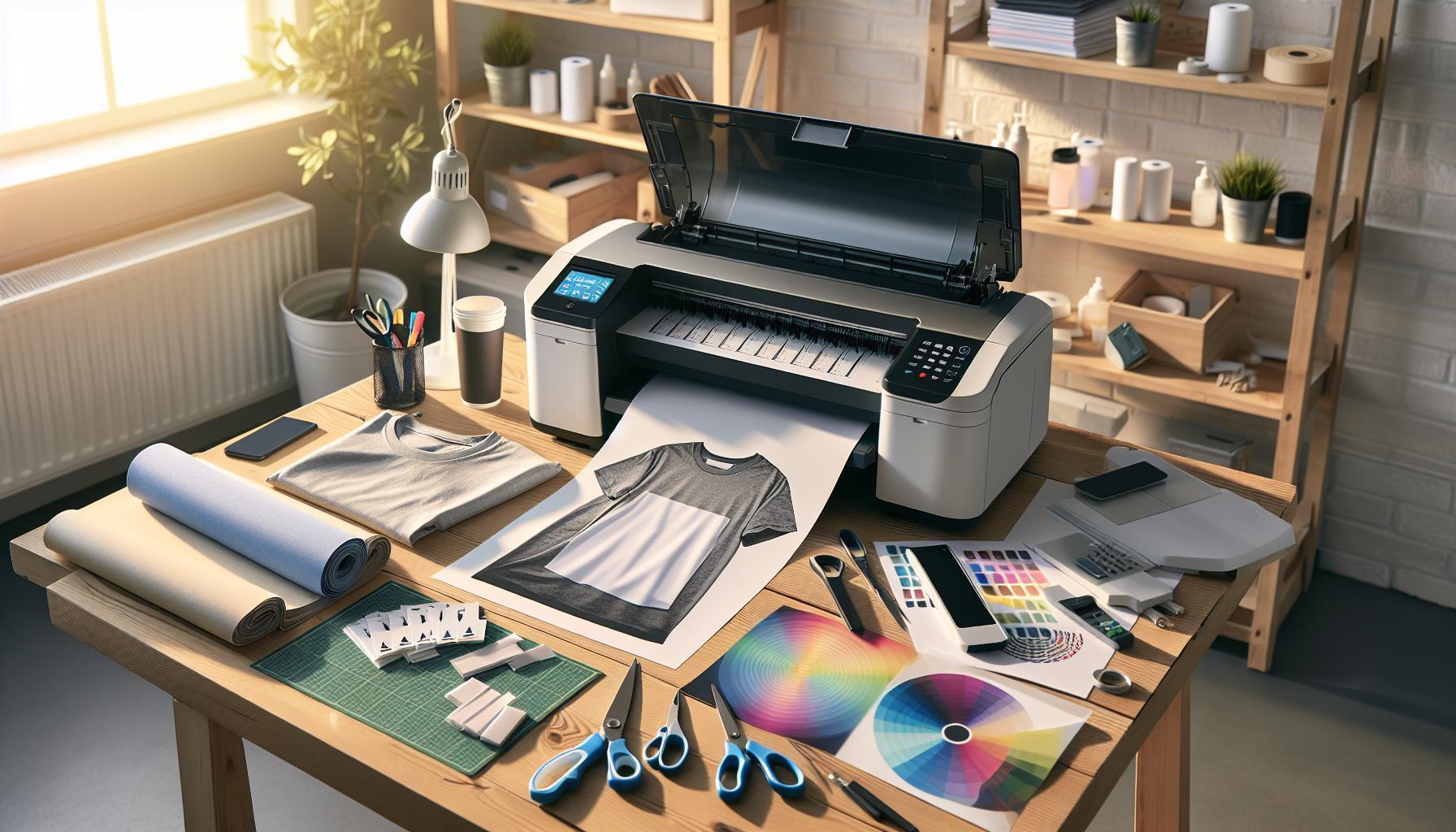
Printing on heat transfer paper can open up a world of creativity, allowing you to transfer vibrant designs onto fabric and other surfaces. However, to achieve professional results, a systematic approach is essential. Here’s how to navigate the process seamlessly.
Start by preparing your printer and heat transfer paper. Ensure your printer is compatible with the type of heat transfer paper you’ll be using-inkjet or laser. Load the paper into the printer with the correct side facing up; this is usually the shiny side. It’s wise to run a test print on regular paper first to confirm the layout and color fidelity before committing to the heat transfer sheet.
Once your print settings are configured-opt for high-quality or photo printing-set the paper type to reflect its characteristics (typically “photo paper” or “specialty paper” for heat transfers). Now, print your design, ensuring you select the option to mirror or flip the image if you’re working with text or intricate patterns.
After printing, give your design a moment to dry, then carefully cut around the edges if necessary to minimize excess paper. Preheat your heat press or iron, according to the type of fabric and transfer paper used-follow the manufacturer’s guidelines for temperature and pressing time. Once everything is ready, position the printed design on the fabric, cover it with a protective sheet (like parchment paper), and apply even pressure for the required duration. Let it cool slightly before peeling off the transfer backing to reveal your stunning design.
Heat Transfer Methods Explained: Iron vs. Heat Press
When it comes to transferring your designs onto fabric, choosing the right method is crucial for achieving professional results. While using a household iron is often deemed the more accessible option, a heat press can significantly elevate your project’s quality and durability. Both methods have their pros and cons, and understanding them can help you make an informed decision based on your specific needs.
Using an iron requires less upfront investment and is easier to access for most DIY enthusiasts. However, it has limitations in terms of temperature consistency and pressure application. Ironing typically does not heat evenly, which can lead to uneven transfer results-especially with larger designs. Additionally, the pressure applied with an iron can vary significantly depending on the user’s technique, potentially compromising the quality of the transfer. For smaller projects or one-off designs, an iron may suffice, particularly if you’re careful with your technique.
On the other hand, a heat press provides an even distribution of heat and pressure, ensuring that every part of your design is properly adhered to the fabric. Heat presses come with adjustable temperature and pressure settings, allowing for precise control, which is essential for different types of fabrics and transfer materials. This versatility not only improves the final appearance but also enhances the longevity of the print. Many professionals prefer heat presses for large production runs or when working with intricate designs that require precise alignment.
In summary, while an iron can efficiently handle smaller tasks, a heat press is often the better option for serious projects, providing superior results and durability. Whether you decide on an iron for quick, small jobs or a heat press for robust production, understanding these methods will help you produce high-quality heat transfers that showcase your creativity.
Troubleshooting Common Printing Issues
When embarking on your heat transfer printing journey, encountering issues is almost a rite of passage. The good news is that many common problems have straightforward fixes that can help you achieve that polished, professional look you desire. Whether it’s peeling transfers, fading prints, or inconsistent colors, understanding the root causes can significantly elevate your results.
One frequent challenge is the transfer peeling away from the fabric after washing. This can often be attributed to improper application temperature or pressure. Ensure you are using the correct settings for your specific type of heat transfer paper. For instance, if you are using a heat press, aim for the recommended heat setting for about the right duration (commonly around 10-15 seconds, depending on the paper). Always test with a scrap piece to dial in your settings before committing to your final design. It’s also essential to allow the transfer to cool properly before peeling; this lets the adhesive set effectively.
Another common issue involves printing inconsistencies, such as discoloration or fading. These problems often arise from using the wrong printer settings or low-quality inks. Always set your printer to the highest quality settings for photo or graphic printing, as this enhances the clarity and richness of colors. If you are using pigment inks on heat transfer paper, ensure they are compatible, as dye-based inks might not provide the necessary durability. Additionally, be cautious about the type of fabric you are transferring onto; synthetic fabrics like polyester tend to yield better results with heat transfer compared to natural fabrics.
In cases where images appear cracked or distorted after washing, this could signal issues with the transfer paper or the settings used. Double-check that the paper feeds correctly through the printer and that the printer is set up to accommodate the thickness and texture of the transfer paper. Also, initiate a print test to see if your artwork is aligned correctly and not using too much ink, which can cause messiness in transfers. Finally, make sure to review the manufacturer’s instructions for care, as improper washing or drying methods can compromise the integrity of your prints.
By addressing these common challenges with knowledge and preparation, you can navigate potential pitfalls and enhance the reliability of your heat transfer projects. Each misstep can serve as a learning opportunity, leading to even better outcomes in your creative endeavors.
Best Practices for Application and Transfer
When applying heat transfer prints, precision is paramount to achieving a professional finish. A well-executed transfer can elevate your project, showcasing high-quality designs that stand the test of time. To ensure your application yields the best results, consider the following best practices that combine technique, equipment, and material understanding.
Optimize Your Equipment
Before starting, ensure your heat press or iron is fully operational and set to the correct temperature-often between 320°F to 375°F, depending on the type of transfer paper used. A heat press generally provides more consistent results compared to an iron, due to its pressure settings and even heat distribution. To enhance adhesion, pre-heat your fabric for 5-10 seconds before placing the transfer. This removes moisture and helps the transfer adhere better.
Correct Application Technique
Correct placement of the transfer is essential. Align it carefully on the fabric, using a ruler or template if necessary, to achieve a central and straight application. Cover the transfer with a protective layer, such as parchment paper or a Teflon sheet, to prevent sticking and scorching. Apply firm, even pressure across the entire area of the transfer for the recommended time, which typically ranges from 10 to 30 seconds. Remember, too much heat or pressure can damage the print and fabric, while too little can lead to peeling.
Cooling and Finishing Touches
Once the pressing time is complete, allow the transfer to cool for a moment before peeling away the backing. For cold peel transfers, waiting until the transfer is completely cool is necessary to avoid smudging or distortion. After peeling, additional pressing with a cover sheet can improve durability and enhance the finish.
Lastly, always refer to the manufacturer’s guidelines specific to the heat transfer paper you’re using, as variations can exist. With practice and adherence to these steps, you’ll be well on your way to creating durable, vibrant designs that hold up to wear and washing, ensuring your projects not only look great but also last.
Caring for Your Heat Transfer Prints
is vital to ensure they remain vibrant and durable throughout their lifespan. After investing time and effort into creating custom designs, understanding how to properly maintain these prints can make a significant difference in their appearance and longevity. The way you wash, dry, and store items with heat transfers directly affects their durability: with the right care, these prints can last for years, retaining their color and finish.
To start, always turn garments inside out before washing. This helps protect the heat transfer from abrasion during the wash cycle. Use cold or warm water-hot water can cause the adhesive to weaken, leading to peeling or cracking. Additionally, opt for a gentle detergent free of bleach and fabric softeners, as harsher chemicals can break down the print material over time. When it comes to drying, avoid high heat settings; tumble dry on low or hang to dry whenever possible. Heat can compromise the integrity of the transfer, so air drying is a safer choice to help maintain that fresh, new look.
Before ironing, make sure to check if the specific heat transfer type allows for iron contact. If the design does allow ironing, ensure that you do not apply the iron directly onto the transfer. Instead, use a cloth or parchment paper as a barrier. If you notice any peeling or damage to the print, it’s helpful to address it immediately. You can reheat the transfer with a heat press or iron set to low pressure to reseal any loose edges, providing a quick fix to extend the life of your design.
Lastly, proper storage is just as important. Keep items with heat transfers in a cool, dry place away from direct sunlight to prevent fading. Avoid folding prints in ways that cause creasing directly over the transfer-rolled storage is often the best practice. By implementing these care strategies, you can enjoy your heat transfer prints long after their initial application, ensuring they remain the centerpiece of your creative projects for years to come.
Advanced Techniques for Professional Finishing
Creating professional-quality heat transfers is not just about picking the right materials but also employing advanced techniques that elevate your projects. Mastering these techniques ensures that your prints look crisp, vibrant, and last longer. Here are several strategies to refine your approach and achieve those polished finishing touches.
One effective method is layering your prints. By intentionally applying multiple layers of transfer, you can create depth and dimension in your designs. However, this requires patience and precision. Start with a base design, and once it cools, add additional layers. Each layer should be pressed according to its specific instructions-this often includes different pressure and temperature settings. For instance, while your base layer might require a high temperature, subsequent layers might need a lower one to prevent scorching.
Weeding and Trimming
Before applying your design, pay careful attention to the weeding process. This includes removing excess material from around your graphic, which not only boosts the aesthetic appeal but also prevents unnecessary transfer onto the fabric. Use fine-tipped weeding tools for precision, especially in intricate designs. Additionally, trimming your transfer paper to closely fit your design can minimize heat exposure to unwanted areas, leading to cleaner results and less adhesive residue.
Finishing Techniques
Once your transfer is applied, consider additional finishing techniques such as using a heat press to seal the design further. This not only enhances durability but can also activate the adhesive properties ensuring the transfer adheres strongly to the fabric. For some heat transfer types, a final press with a protective sheet can create a professional sheen that enhances and protects the graphic.
Finally, experimentation is key to achieving exceptional results. Try different combinations of materials and methods to see what works best for your specific projects. Conduct test runs on scraps to determine the optimal settings for your press and materials before committing to your final piece. This not only saves time but also provides invaluable insight into achieving the best professional results.
By integrating these advanced techniques into your workflow, you can significantly improve the quality of your heat transfers, ensuring that your prints are not only striking but also durable, enhancing both your reputation and your craft.
Exploring Different Heat Transfer Paper Types
Choosing the right heat transfer paper is crucial for achieving professional results in your printing projects. With a variety of options available, understanding their characteristics and applications can help you select the most suitable type for your specific needs. Each type of heat transfer paper is designed for different methods and materials, making it essential to align your choice with your project’s requirements.
H3: Types of Heat Transfer Paper
There are primarily two categories of heat transfer paper: inkjet and laser transfer papers.
- Inkjet Transfer Paper: This type is best suited for projects using inkjet printers. It produces vibrant colors and detailed images, making it ideal for complex designs. However, inkjet transfers typically work best on light-colored fabrics, as the ink can appear faded on darker backgrounds.
- Laser Transfer Paper: Designed for laser printers, this paper can be used on both light and dark fabrics. The process tends to yield a more durable finish, often with better wash resistance than inkjet transfers. For dark fabrics, a special transfer paper that includes a white backing is necessary to achieve opacity.
H3: Specialty Transfer Papers
Beyond the standard options, there are specialty types of heat transfer papers that cater to specific applications:
- Flexible Vinyl: Commonly used in sign making and apparel decoration, vinyl is durable and versatile. It is cut into shapes and then heat pressed, ideal for logos and lettering.
- Sublimation Paper: Ideal for polyester fabrics, sublimation transfers create vivid prints by dyeing the material rather than sitting on top of it. This results in a soft feel and is preferred for sportswear.
- Glow in the Dark and Reflective: These transfer papers are particularly exciting for creative projects, allowing you to produce designs that stand out in low-light conditions or provide safety features in activewear.
H3: Considerations for Choice
Selecting the appropriate heat transfer paper involves evaluating several factors, including the type of fabric, the intended use of the item, and the printer available. It’s also important to review the manufacturer’s recommendations regarding temperature and time for optimal results, as improper settings can lead to poor adhesion and quality degradation.
By understanding the properties and applications of various heat transfer papers, you can confidently choose the right material that will elevate your projects, ensuring crisp designs and long-lasting results. Always remember to conduct a test on a sample fabric before committing your final design, as this can reveal how different papers interact with your specific printer and materials.
Inspiring Project Ideas: What You Can Create
In the realm of heat transfer printing, the possibilities are virtually limitless when it comes to creative projects. Whether you’re looking to personalize apparel, create unique home decor, or even start a small business, heat transfer paper can help you realize your vision with professional-quality results. By leveraging the capabilities of heat transfer technology, you can turn everyday items into customized masterpieces that reflect personal flair or brand identity.
One popular idea is to design custom t-shirts for events such as family reunions, parties, or charity runs. By utilizing vibrant inkjet transfer paper, you can easily print complex graphics or text that showcases the theme of your event. Consider including the date, location, and any special images that symbolize your gathering. This not only enhances the sense of unity among participants but also creates lasting mementos to cherish.
Another engaging project is producing custom tote bags or backpacks. These are fantastic for promotional purposes or as gifts. Using durable laser transfer paper, you can print logos or messages that represent a brand or personal interest. Imagine a tote bag adorned with an inspiring quote or an illustration that resonates with your audience. Not only do these bags serve a practical use, but they also become a conversation starter, promoting a message or idea wherever they go.
You can even apply heat transfer techniques to create unique home decor items. For example, personalize cushions or wall hangings with tailored prints that match your home’s aesthetic. Utilizing specialty transfer papers like sublimation can produce soft, vivid designs on polyester fabric, perfect for throw pillows or blankets. Experimenting with glow-in-the-dark or reflective transfer papers can add a playful twist to items designed for children’s rooms or outdoor gear.
Ultimately, the intersection of creativity and technology presents vast opportunities for anyone interested in exploring heat transfer printing. By experimenting with different applications, from apparel to accessories and decor, you can create compelling and unique designs that make a statement. Always consider the intended use and fabric type to ensure optimal results, and don’t forget to have fun as you experiment with your creations!
Frequently Asked Questions
Q: What types of printers are best for heat transfer paper?
A: Inkjet and laser printers are both suitable for heat transfer paper, but inkjet printers tend to offer better color vibrancy. When selecting a printer, ensure it supports the type of heat transfer paper you plan to use. For optimal results, consider printers with a high DPI resolution for sharper images.
Q: How do I choose the right heat transfer paper for dark fabrics?
A: For dark fabrics, it’s best to use specialized opaque heat transfer paper designed for dark backgrounds. This type of paper has a white backing to ensure vibrant colors appear vivid against the darker fabric. Check the specifics in the Choosing the Right Heat Transfer Paper for Your Project section of the article for more details.
Q: Why is it important to pre-press fabric before transferring?
A: Pre-pressing fabric removes moisture and wrinkles, creating a smooth surface for heat transfer. This step ensures better adhesion and prevents uneven printing. It’s a crucial part of achieving professional results detailed in the section on Best Practices for Application and Transfer.
Q: Can I wash heat transfer prints? How do I care for them?
A: Yes, you can wash heat transfer prints! To protect the design, wash in cold water and hang dry instead of using a dryer. Follow specific care instructions in the Caring for Your Heat Transfer Prints section for long-lasting results.
Q: What should I do if my heat transfer paper sticks to the heat press?
A: If heat transfer paper sticks, you’re likely using too high of a temperature or too much pressure. Reduce the temperature by 10-20 degrees and test again. For more troubleshooting tips, refer to the Troubleshooting Common Printing Issues section for deeper insights.
Q: How do I adjust printer settings for heat transfer paper?
A: Always set your printer to photo or best quality settings when printing on heat transfer paper. Use the high-resolution setting and ensure to select the correct paper type. Refer to the Understanding Printer Settings for Heat Transfer Paper section for an in-depth explanation.
Q: What kind of artwork works best on heat transfer paper?
A: Digitally created designs with solid colors and defined edges work excellently. Avoid overly detailed images; instead, opt for graphics that can stand out after the transfer. Explore more in the Preparing Your Artwork for Printing Success section for effective approaches.
Q: When should I use a heat press instead of an iron for transfers?
A: A heat press is preferred when consistency and even pressure are crucial. It offers adjustable temperature and pressure settings, ideal for professional-quality results. Learn more about the advantages in the Heat Transfer Methods Explained: Iron vs. Heat Press section.Final Thoughts
Thank you for joining us in exploring how to achieve professional results with heat transfer paper! Remember, the right techniques and materials can make all the difference in your projects. Equip yourself with best practices, and don’t hesitate to experiment with various settings to find what works best for you. If you’re curious about specific issues like resolving unwanted marks or ensuring vibrant colors, check out our posts on common heat transfer problems and their solutions.
Ready to take your printing skills to the next level? Explore our detailed guide on the best heat transfer paper options and discover professional tips for maintaining your printing equipment. For additional support and updates, be sure to sign up for our newsletter. We’d love to hear about your experiences and any questions you have-drop your thoughts in the comments below or share this with fellow creators! Your journey in printing excellence starts today, so let’s get crafting!


