Have you ever wondered if you can use heat transfer paper in a regular printer? It’s a common question among DIY enthusiasts and small business owners looking to create custom apparel or personalized items. The answer could save you time, money, and a fair bit of frustration, as not all printers are designed to handle this specialty paper effectively. Understanding the compatibility of your existing printer with heat transfer materials can empower you to make informed choices about your projects, ensuring high-quality results and successful applications. So, is your standard printer up for the task? Let’s dive into the details and explore what you need to consider before hitting print on that next creative endeavor.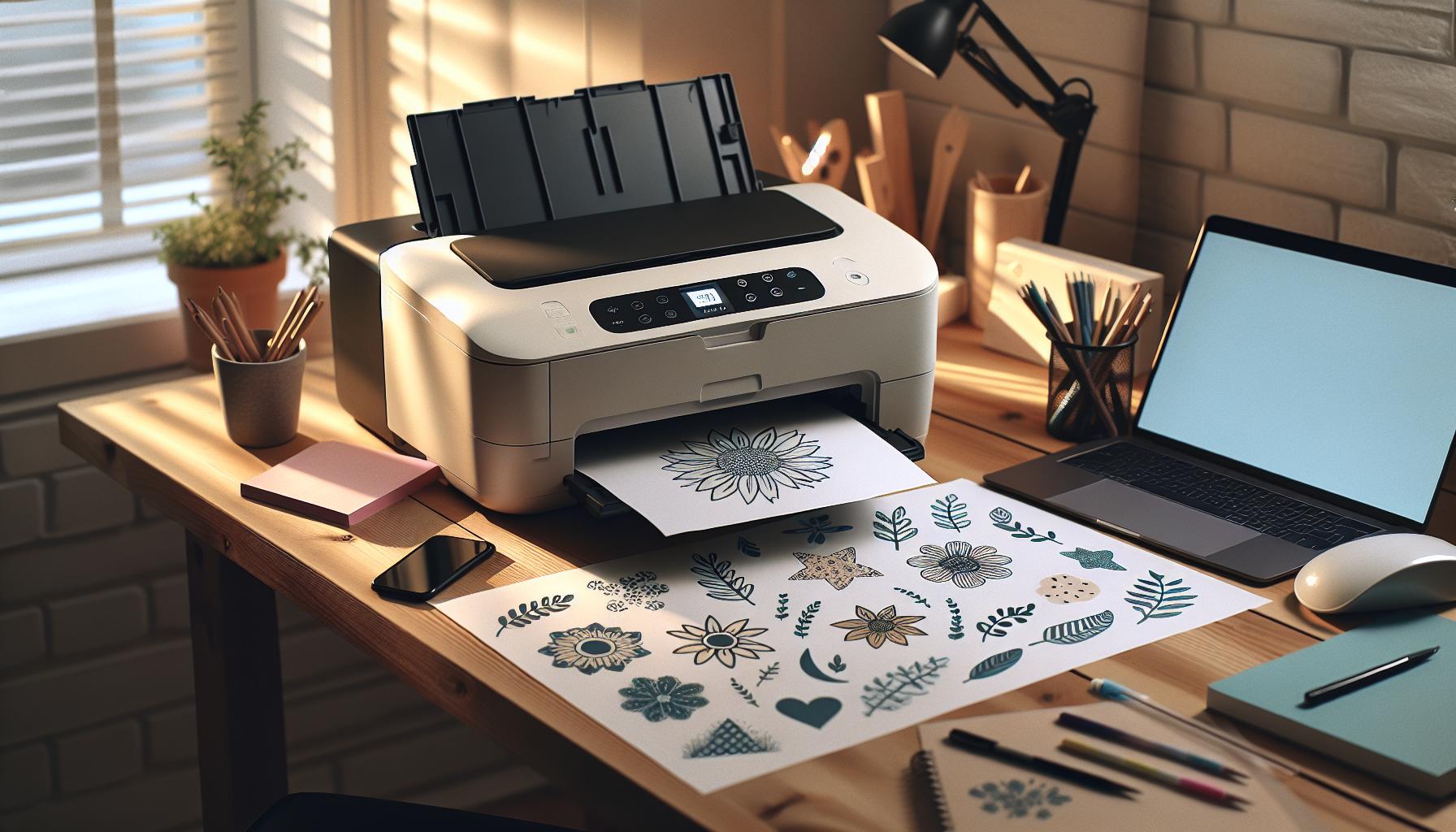
Can Regular Printers Use Heat Transfer Paper?
Using heat transfer paper can be a game-changer for DIY projects, but whether you can use it in a regular printer is a common question. The short answer is yes, regular inkjet printers can use heat transfer paper, but there are specific considerations to keep in mind to ensure optimal results. Not all printers are created equal when it comes to printing on heat transfer paper; the type of ink and the printer configuration play significant roles in the quality of the transfer.
When selecting heat transfer paper, it’s crucial to choose one designed for your specific printer type-inkjet or laser. Inkjet printers typically use dye-based or pigment-based inks, and using heat transfer paper that is suited for inkjet printers is vital to avoid issues like smudging or fading after washing. Some heat transfer papers are specifically formulated to work with pigment inks, which provide better durability and wash resistance than dye inks. Reading the product specifications before purchasing is key.
For the best results, follow these tips:
- Printer Settings: Always ensure your printer settings match the type of heat transfer paper you are using. This often means selecting a front-feed option and setting your printer to high-quality printing.
- Paper Orientation: Make sure you load the heat transfer paper correctly, as the printable side is usually different from the non-printable side.
- Test Prints: Consider performing a test print on regular paper first. This helps in checking colors and layout before committing to the heat transfer paper.
In conclusion, while regular printers can indeed use heat transfer paper, the selection of paper and printer settings are critical for achieving the best results. With careful planning and the right materials, you can create vibrant, durable designs for clothing and other fabric items.
Understanding Heat Transfer Paper Types
Choosing the right heat transfer paper is crucial for achieving high-quality results when printing designs for fabric. There are various types of heat transfer papers available, each designed for different applications and printer types. To get started, it’s important to understand the primary categories: inkjet versus laser transfer papers, and light versus dark fabric transfer papers.
Inkjet heat transfer papers are specifically formulated for use with inkjet printers, accommodating dye-based or pigment inks. These papers generally have a smooth coating that allows for vibrant color reproduction and fine detail in images. On the other hand, laser heat transfer papers are designed for laser printers and can handle higher temperatures, making them suitable for certain fabric types. It’s essential to match your heat transfer paper to your printer type; using the wrong paper can result in poor transfers, smudged prints, or colors not adhering properly to the fabric.
When it comes to light versus dark fabric transfer papers, the choice depends on the design and the color of the fabric you are working with. Light transfer papers are designed for white or light-colored fabrics and often produce more vibrant colors. They typically have a slightly transparent quality, allowing the fabric color to show through. In contrast, dark transfer papers have an opaque backing that allows for printing on darker fabrics. This type of paper usually requires a more intensive heat application and may result in a heavier, less flexible feel on the garment.
Understanding these distinctions will help you select the right heat transfer paper for your project, ensuring successful and aesthetically pleasing results. Always consider the specific requirements of your printer, the type of fabric, and the design’s color when making your choice.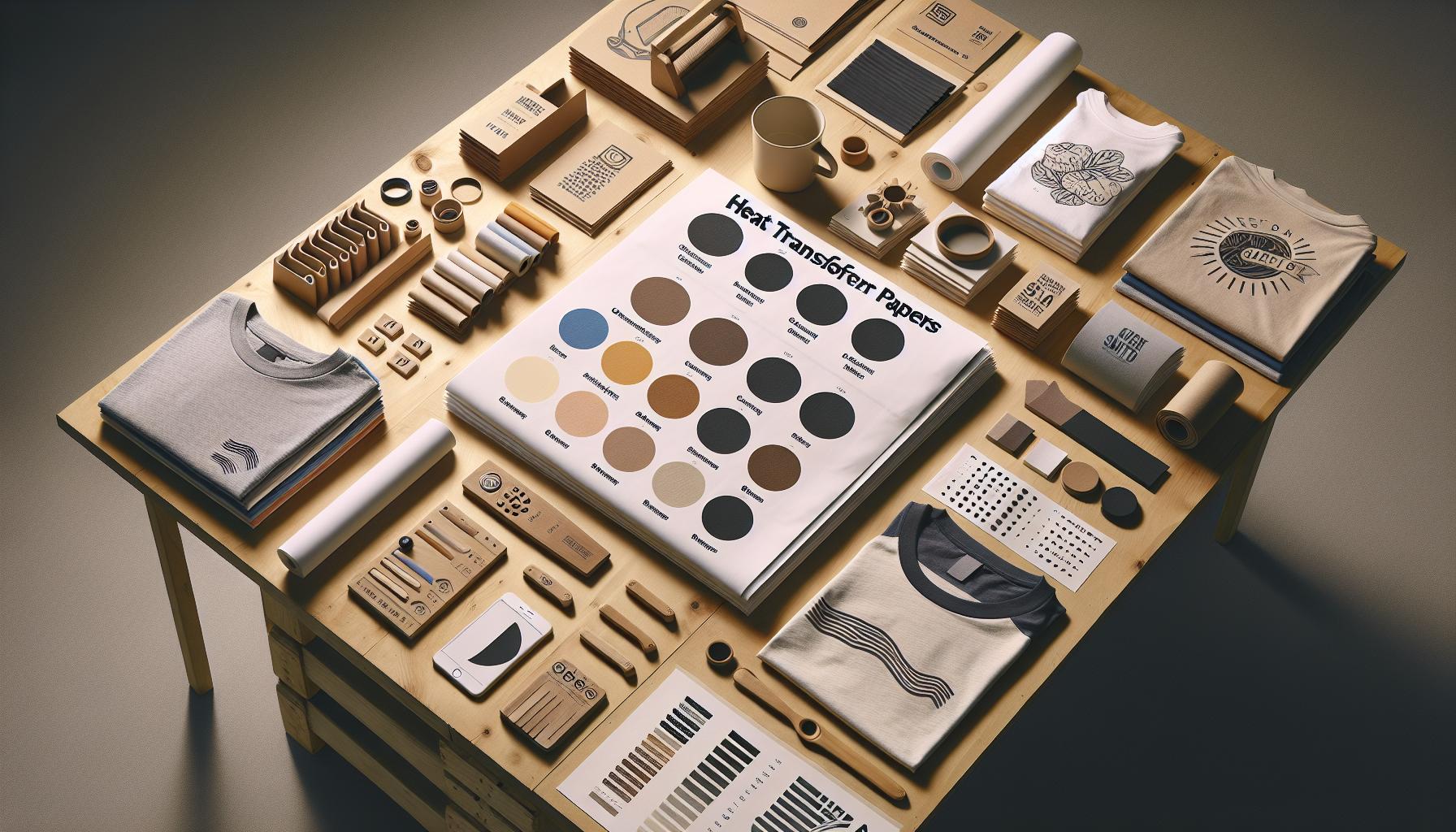
Essential Printer Specifications for Heat Transfer
To successfully use heat transfer paper with a regular printer, understanding the specific printer specifications is crucial. Many home printers can handle heat transfer paper, but not all of them will yield high-quality results. To ensure that your prints adhere well and produce vibrant designs, several factors must be considered regarding your printer’s capabilities.
First, identify whether your printer is an inkjet or laser model, as this distinction significantly impacts the type of heat transfer paper you’ll need. Inkjet printers typically work with dye-based inks or pigment inks, and you should opt for inkjet-compatible heat transfer paper. This ensures the ink will bond effectively with the paper and fabric during the heat transfer process. On the other hand, laser printers use toner that can withstand higher heat, making them suitable for specific transfer papers designed for laser applications. Using the wrong type of paper can result in smudging or peeling, drastically affecting the quality of your print.
Another important specification to consider is the printer’s resolution capability. A higher DPI (dots per inch) value typically means finer detail and sharper images, essential for creating professional-looking transfers. Aim for printers that offer at least 1200 DPI for optimal results on heat transfer paper. Additionally, your printer should have a sturdy construction to handle the heat transfer paper’s unique thickness; flimsy or poorly built printers might jam or misfeed the paper.
It’s equally important to check the compatibility of your printer software with various heat transfer processes. Most basic printer drivers will suffice, but specialized software like Adobe Illustrator or Silhouette Studio can provide layout and design options that enhance your transfer quality. If you’re using a dedicated heat press for your projects, ensure your printer supports the required formats and settings for even more seamless integration into your workflow.
Adhering to these essential specifications not only helps you achieve better results but also enhances your overall printing experience. Familiarizing yourself with the compatibility of your current printer with heat transfer methods will save you time, effort, and potentially costly errors as you embark on your fabric design projects.
Pros and Cons of Using Heat Transfer Paper
Using heat transfer paper can be a game-changer for DIY enthusiasts and small business owners looking to personalize fabrics, but it comes with its own set of advantages and disadvantages that are essential to consider. Understanding these pros and cons helps users make informed decisions, especially when considering the compatibility of heat transfer paper with regular printers.
One significant benefit of using heat transfer paper is its versatility. Whether you’re crafting custom T-shirts, personalized tote bags, or unique home decor items, heat transfer paper allows for vibrant, full-color designs that can easily adhere to various fabric types. Moreover, the process is relatively straightforward, requiring just a standard inkjet or laser printer, heat source, and the right type of paper. The ability to create quality prints at home reduces the need for outsourcing to professional print shops, ultimately saving time and money for individuals and small businesses alike.
However, there are challenges to consider. Not all printers are created equal when it comes to handling heat transfer paper. For example, using an inkjet printer with dye-based inks may lead to issues like fading or smudging if not done correctly. Additionally, the durability of the finished product can sometimes be a concern; over time, transfers may peel or crack, especially if not applied properly or cared for as recommended. Ensuring you have the correct settings and materials is vital to achieving a successful transfer, which can add a layer of complexity for newcomers to the process.
Furthermore, the learning curve involved in finding the right combination of paper, ink, and heat application can be daunting. Users may face initial setbacks, such as misprints or incorrect transfer settings, which could lead to wasted materials and increased frustration. Thus, while heat transfer paper opens up a world of creative possibilities, it’s essential to approach its use with an understanding of both its benefits and potential pitfalls to maximize success in fabric projects.
In summary, weighing the can help users navigate their creative journey more effectively, ensuring that their experiences are productive and rewarding.
Step-by-Step Guide: Using Heat Transfer Paper
To successfully use heat transfer paper with a regular printer, understanding the steps involved in the process is essential. Whether you are creating custom designs for T-shirts, tote bags, or other fabric items, following a structured approach ensures high-quality results while minimizing common mistakes.
Start by gathering your materials. You will need heat transfer paper compatible with your printer type-inkjet or laser-along with your printer, heat press or iron, and the fabric you wish to print on. For inkjet printers, use inkjet-compatible transfer paper, while laser printers require a different formulation. Make sure the fabric is clean and properly prepped; washing it beforehand without fabric softeners can help the transfer adhere better.
Next, design your image using graphic design software. Make sure to mirror the image horizontally before printing. This is crucial because the image will be flipped when applied to the fabric. Adjust the printer settings to the recommended options for heat transfer paper, which often include using the best quality print setting and selecting the appropriate paper type.
Once printed, carefully cut out your design if you’re using paper that requires trimming. Preheat your heat press or iron to the recommended temperature for your transfer paper-typically between 350°F to 400°F (about 175°C to 200°C). Position your design onto the fabric. Using a heat press generally yields better results, but if you’re using an iron, ensure you apply even pressure across the entire design and avoid using steam.
After pressing, let the transfer cool briefly before peeling the backing away, revealing your design. It’s wise to perform a gentle test peel to avoid lifting any part of the design. For longevity, wait at least 24 hours before washing the fabric, and turn it inside out during washes to protect the printed image. By following these steps closely, you can achieve vibrant, long-lasting designs that showcase your creativity effectively.
Must-Know Tips for Successful Transfers
Creating vibrant, long-lasting designs using heat transfer paper can be an exhilarating experience, but it requires meticulous attention to detail for optimal results. The key to successful transfers lies not just in the materials and equipment you use but also in the techniques applied during the process. Here are some essential tips to ensure you achieve stunning results every time.
First, it’s crucial to choose the correct heat transfer paper for your specific printer type. For inkjet printers, select inkjet-compatible transfer paper, while laser printers require a different formulation. This compatibility ensures that the ink adheres properly to the paper and transfers effectively to the fabric. Additionally, always check the manufacturer’s recommendations for both the transfer paper and printer settings. This includes adjusting the print quality to the highest setting and ensuring the paper type is set correctly in the printer dialog.
Another vital aspect is to prepare both your design and fabric meticulously. Before printing, don’t forget to reverse your image horizontally in your graphic design software to ensure it is applied correctly. When it comes to the fabric, pre-washing it without fabric softeners removes any chemicals or residues that might affect the adhesion of the transfer. Ensure the fabric is smooth, clean, and wrinkle-free when applying the transfer, as any imperfections can lead to uneven application and peeling.
Post-Transfer Care
Once you’ve successfully applied your design, the care you give after the transfer process matters just as much. Allow the transfer to cool before peeling off the backing paper; this helps set the design firmly on the fabric. For longevity, it’s recommended to wait at least 24 hours before washing the item. When it’s time to wash, turn the garment inside out and use cold water to preserve the transfer’s quality. Avoid using bleach or fabric softeners during washing, as these can degrade the print.
Lastly, experimentation is your ally. Don’t hesitate to try different papers, fabrics, and settings to determine what works best for your specific projects. Keep a notebook to track your adjustments and outcomes-this practice will enhance your skills over time and help troubleshoot any future printing issues.
By integrating these techniques into your heat transfer project workflow, you can elevate your creative endeavors and produce high-quality, professional-looking prints that impress every time.
Troubleshooting Common Printing Issues
When using heat transfer paper with regular printers, various printing challenges can arise, but rest assured, many of these issues can be resolved with a few adjustments and troubleshooting techniques. One common problem is the quality of the print itself. If you notice fading or blurry images, first check the printer’s settings. Make sure you are using the correct paper type setting, which should match the heat transfer paper you are using, be it inkjet or laser. Printing at the highest quality setting is also crucial; this ensures the ink saturates the paper adequately for a vibrant transfer.
Another frequent issue is ink smudging during the transfer process. This can happen if the ink hasn’t dried completely before applying heat. To combat this, allow your printed design to sit for a few minutes after printing before transferring it to the fabric. Additionally, ensure you’re using the appropriate temperature and pressure settings for your heat press. Too much heat can cause the ink to bleed, leading to unsightly smudges or distorted designs. Refer to the manufacturer’s guidelines for both the heat transfer paper and the heat press to find the optimal settings.
In some cases, the transfer may not adhere properly to the fabric, resulting in peeling or flaking. This often stems from inadequate preparation of the fabric or insufficient pressing time. Before applying the transfer, pre-wash the fabric without fabric softeners to eliminate any residues that may inhibit adhesion. Furthermore, ensure that the fabric is smooth and wrinkle-free before heat application. If problems persist, consider adjusting the duration for which you press the transfer; a few extra seconds might improve adhesion significantly.
As you encounter these challenges, it’s essential to approach each with patience and an experimental mindset. Making notes of what works and what doesn’t will not only streamline your process but also enhance your skills over time. Each project is a learning opportunity that can lead to more successful outcomes in future endeavors.
Alternative Printing Methods for Heat Transfers
For those exploring options beyond traditional heat transfer paper in regular printers, several alternative printing methods can yield impressive results. Each of these methods has its own set of advantages and is suited for different projects, enabling you to choose based on your specific needs.
One popular alternative is sublimation printing, particularly effective for polyester fabrics and polymer-coated items. This method involves printing your design onto special sublimation paper using sublimation inks. When heat and pressure are applied, the ink transforms directly from a solid to a gas, allowing it to permeate the fabric’s fibers. The outcome is a vibrant, permanent image that resists fading and peeling. However, the limitation here is that sublimation is primarily for light-colored fabrics, as it does not work well on darker materials.
Another method is direct-to-garment (DTG) printing. This technique utilizes specialized inkjet printers that apply ink directly onto the fabric. DTG printing is fantastic for detailed designs and offers excellent color accuracy. Unlike heat transfer methods, there’s no need for a separate transfer medium, which can streamline the process. That said, it generally requires a higher investment in equipment and is more suitable for established printing businesses or serious hobbyists.
For those interested in a DIY approach, hand-cut vinyl is a viable option. This method involves cutting your design from colored vinyl sheets using a vinyl cutter. Once cut, the design is weeded (removing excess vinyl) and then heat-pressed onto the fabric. It offers a tactile quality and is highly durable, making it ideal for custom apparel and projects where a bold, graphic look is desired. However, the process is labor-intensive, especially for intricate designs.
Lastly, consider inkjet fabric sheets. These pre-treated sheets allow you to print your designs directly onto the fabric using a standard inkjet printer. After printing, you typically need to set the ink with heat, ensuring the print is permanent. This method is great for smaller projects or crafting since it is cost-effective and easily accessible.
In summary, while heat transfer paper is a common choice for printing, alternative methods like sublimation, DTG, vinyl cutting, and inkjet fabric sheets offer unique benefits that cater to various project requirements. By exploring these options, you can expand your creative possibilities and achieve professional-quality prints without solely relying on traditional heat transfer techniques.
Safety Precautions When Using Heat Transfer Paper
Using heat transfer paper can be an exciting way to create custom designs on clothing and fabric items, but it’s essential to prioritize safety to ensure a smooth and enjoyable crafting experience. Many users may not realize that the materials and processes involved can pose various risks if not handled properly. Here are some critical precautions to consider when using heat transfer paper.
First, always work in a well-ventilated area. The heat applied during the transfer process can release fumes from both the transfer paper and the inks used in printing. These fumes can be irritating to the respiratory system, so adequate ventilation is crucial. If possible, use a fan or work near an open window to dissipate any potentially harmful vapors.
Next, be mindful of heat settings on your press or iron. Heat transfer paper typically requires high temperatures to adhere properly to fabrics, but excessive heat can scorch or damage your fabric, or even cause the transfer paper to burn. Always test your temperature settings on a scrap piece of fabric before proceeding to your final project. This way, you can find the perfect balance to ensure your designs adhere smoothly without compromising the integrity of your material.
Additionally, when using a heat press or iron, always use protective sheets like Teflon covers or parchment paper. These sheets help to create an even heat distribution and prevent direct contact between the iron and the transfer paper, which can reduce the risk of burns or unwanted marks on your fabric. When removing the iron or heat press, handle it with care to avoid accidents, as it will be extremely hot.
Finally, stay organized and keep your workspace clutter-free. Avoid having flammable materials nearby, such as paper scraps or old rags, while you work with heat transfer paper. Being organized not only promotes safety but also enhances your efficiency, making it easier to focus on your creative projects without distractions.
By following these safety precautions, you can enjoy the process of using heat transfer paper while minimizing risks and maximizing your creative output. Always prioritize safety to create stunning designs with peace of mind.
Cost-Effective Alternatives to Heat Transfer Paper
While heat transfer paper offers a fantastic way to personalize fabrics, it can also represent a significant expense, especially for those just starting with DIY projects. Fortunately, there are a variety of cost-effective alternatives available that can produce excellent results without breaking the bank.
One popular substitute is freezer paper. This type of paper features a plastic coating on one side, which can be easily bonded to fabric when ironed. Simply print your design onto the paper’s non-coated side, trim it to size, and iron it onto your chosen material. The plastic coating creates a temporary bond, allowing you to paint or use fabric markers over the design for customization. This method is particularly useful for simple designs and works well on cotton and cotton-blend fabrics.
Additionally, consider using iron-on adhesive sheets. These sheets allow you to create your own custom fabric transfers. Print your design on the sheet, cut it out, and then use an iron to transfer the image onto the fabric. This technique offers flexibility in design while being affordable, especially if you have a regular inkjet printer. As a bonus, many adhesive sheets are compatible with both light and dark fabrics, which expands your project possibilities.
For those looking to save even more, using plain paper and a bleach transfer technique can yield unique results. To implement this method, print a design using a normal inkjet printer on a piece of plain paper. After cutting out your design, place it on the fabric and use a paintbrush or sponge to apply bleach around it. The bleach will lighten the fabric, creating a striking effect. Note that this approach works best with darker fabrics and requires careful handling of bleach for safety.
Exploring these alternatives not only saves money but also encourages creativity. They offer the opportunity to experiment with various textures and finishing effects, making fabric customization an accessible and enjoyable art form.
Creative Projects Using Heat Transfer Prints
Heat transfer prints are a fantastic way to breathe life into mundane fabrics, transforming them into unique, eye-catching pieces that showcase your creativity. Whether you’re looking to personalize a t-shirt, create custom tote bags, or even decorate home textiles like pillowcases, the possibilities are endless. Engaging in such projects not only allows for self-expression but also serves as a fulfilling hands-on activity that can be enjoyed solo or with friends and family.
One exciting creative project is designing themed apparel for special events, such as family reunions or birthday parties. By using heat transfer paper, you can print matching designs or personalized graphics for each member. Imagine a family reunion where everyone wears a custom shirt that features a fun logo or a heartfelt family motto, creating both unity and lasting memories. Simply create a digital design, print it on heat transfer paper, and follow the application instructions to transfer it onto the shirts. The process is straightforward, making it an enjoyable task for everyone involved.
Another fun idea is to make custom home decor. A simple piece of fabric, like a plain cushion cover, can come to life with your favorite quotes, graphics, or patterns. This not only enhances your living space but also reflects your personal style. Incorporating heat transfer prints into home decor projects is especially appealing because you can tailor everything from color schemes to themes, allowing for truly personalized touches throughout your home. Crafting with heat transfer paper fosters a creative environment and helps make every space more inviting.
For those interested in gift-giving, handmade items featuring heat transfer prints are always a hit. Consider making personalized mugs or kitchen towels as gifts for friends or family. You can use image or text designs that resonate with the recipient’s interests or hobbies. Not only does this approach showcase your creative flair, but it also delivers a thoughtful, handmade touch to your gifts, making them all the more special.
In essence, heat transfer prints open up a world of creative possibility, empowering you to turn everyday items into cherished keepsakes or personalized gifts. Whether it’s for celebrations, home decor, or heartfelt presents, engaging in projects using heat transfer prints fosters creativity and enhances your DIY skills, leaving you with beautiful results that are sure to impress.
Recommendations for Best Printers and Papers
When considering heat transfer printing, the right equipment is essential for achieving high-quality results. While many standard printers can work with heat transfer paper, certain specifications and types of transfer paper are more compatible than others. For optimal performance, inkjet printers are generally the best choice. They typically provide vibrant colors and a wider range of options for types of heat transfer paper.
Choosing the Right Printer
Not every printer is suitable for heat transfer paper, especially those designed solely for regular printing tasks. Look for printers that support photo quality printing, as these are better equipped to handle the intricate details and vibrant colors often required for heat transfer designs. Models from brands like Epson and Canon, particularly those that use pigment-based ink, tend to produce superior results. For example, the Epson EcoTank series is renowned for its high-quality prints and lower long-term ink costs, making it an excellent choice for frequent heat transfer printing.
Types of Heat Transfer Paper
Heat transfer paper comes in several varieties, and selecting the right one is crucial for the outcome of your project. Here are some common types:
- Light Transfer Paper: Best for light-colored fabrics, it allows for detailed, vibrant designs but can lead to a slightly stiff finish when transferred.
- Dark Transfer Paper: Suitable for dark fabrics, this paper has a thicker backing and is designed to be used with white or very light images to prevent the background color from interfering with the design.
- Heat Transfer Vinyl (HTV): While not technically paper, HTV requires a vinyl cutter and is often preferred for its durability and vibrant, long-lasting designs. It works well on a variety of fabrics.
When selecting paper, consider the fabric type as well as the printer compatibility. Always ensure the heat transfer paper is compatible with your specific printer, as some may require special settings or adjustments to produce the best results. Make sure to perform a test print before committing to your final design, ensuring that colors appear as expected and the overall quality meets your standards.
With the right combination of printer and heat transfer paper, you can unlock endless creative possibilities, achieving professional-looking results from the comfort of your home.
Q&A
Q: Can any regular printer use heat transfer paper?
A: Yes, most regular inkjet and laser printers can use heat transfer paper, but it’s essential to check the paper type. Ensure your printer can handle the specific paper thickness and follow the manufacturer’s guidelines for optimal results.
Q: What type of ink is best for heat transfer paper?
A: Pigment-based inks are generally best for heat transfer because they adhere well to fabric and resist fading. Some transfer papers are specifically designed for dye-sublimation, requiring compatible dye inks for the best outcome.
Q: How do I prevent ink bleeding when using heat transfer paper?
A: To prevent ink bleeding, ensure you use the correct settings for your printer, such as high-quality print mode. Also, allow the ink to dry fully before heat pressing, and be cautious with heat and pressure settings during the transfer.
Q: Can I use heat transfer paper on dark fabrics?
A: Yes, but you need to use heat transfer paper specifically designed for dark fabrics. This type often has a white backing that blends better with dark colors, ensuring the design stands out.
Q: What’s the difference between heat transfer paper for light and dark fabrics?
A: Heat transfer paper for light fabrics is typically thinner and allows the fabric color to show through, while paper for dark fabrics has a white or opaque background to ensure vibrancy. Choosing the right type is crucial for print quality.
Q: How should I store heat transfer paper?
A: Store heat transfer paper in a cool, dry place away from direct sunlight to prevent moisture absorption and degradation. Keep it flat to avoid creases that could ruin print quality during application.
Q: Can I reuse heat transfer paper?
A: Generally, heat transfer paper is single-use. Once it’s been heated and transferred onto fabric, it cannot be reused. However, leftover designs can be printed on new sheets if there are any.
Q: How should I troubleshoot if my heat transfer design isn’t sticking?
A: If your heat transfer design isn’t sticking, verify the heat and pressure settings on your press. Check if you are using the correct paper type and ensure that the fabric is compatible. If problems persist, consider pre-pressing the fabric to remove moisture.
Insights and Conclusions
Now that you understand whether you can use heat transfer paper in a regular printer, it’s time to take action! Remember, while some printers work, it’s crucial to check compatibility to avoid any mishaps. If you’re interested in exploring more about crafting techniques or looking for printers that excel in heat transfer projects, check out our guides on printer recommendations and best practices for heat transfer projects.
Looking for personalized advice or tips? Don’t hesitate to sign up for our newsletter for the latest updates and insights straight to your inbox. Your crafting journey doesn’t end here-dive deeper into our resources and elevate your DIY game. Share your experiences with us in the comments and connect with fellow makers who share your passion. Let’s keep the creativity flowing!
Read more about: `density triang;e`.
Get our latest guides, news, and insights highlighted in your Google Search & AI Overviews.